Share this
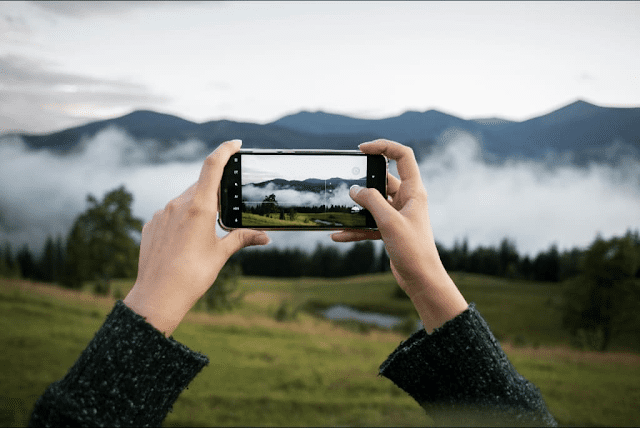
Want to capture epic concert photos like a pro? With the Samsung Galaxy S24 Ultra, you absolutely can. Whether you’re trying to photograph Taylor Swift in dazzling stage lights or freeze that high-energy moment with your favorite band, a few smart camera tricks can make all the difference.
🎯 Adjust Focus and Exposure
Stage lighting can wreak havoc on your photos, often overexposing your subject. To fix this, simply switch to video mode, tap on your subject to focus, then slide the sun icon to the left to lower exposure. Don’t forget to tap the lock icon to maintain steady focus—even when the artist is dancing across the stage. This simple setting ensures sharp, balanced shots without blinding glare.
📸 Use “Single Take” to Capture It All
Don’t stress about choosing between recording a video or snapping photos. The Galaxy S24 Ultra’s Single Take mode captures everything in one go—photos, videos, boomerangs, slow-mo clips, filtered images, and more—with a single tap.
✅ How to Use Single Take:
- Open the Camera app.
- Tap More > Single Take.
- Pick your preferred lens and content type (e.g., Highlight, Slow-mo, Boomerang, etc.).
- Tap the shutter button and let the magic happen.
Later, your Gallery will display a mix of epic shots and videos—all auto-curated so you can relive every moment.
✨ Final Thought
Live concerts go by in a flash. But with the Galaxy S24 Ultra and the right techniques, you’ll walk away with memories frozen in perfect pixels. It’s not just about taking photos; it’s about reliving the emotion. So next time you’re front row, phone in hand—shoot smart, and shoot epic!